

See exactly what your team has recorded
Admins get a clear view of what each person has worked on across waste tracking, transfer notes, consignment notes and jobs. Free to use.
Free to useUnlimited usersAdmin viewNo charge per user
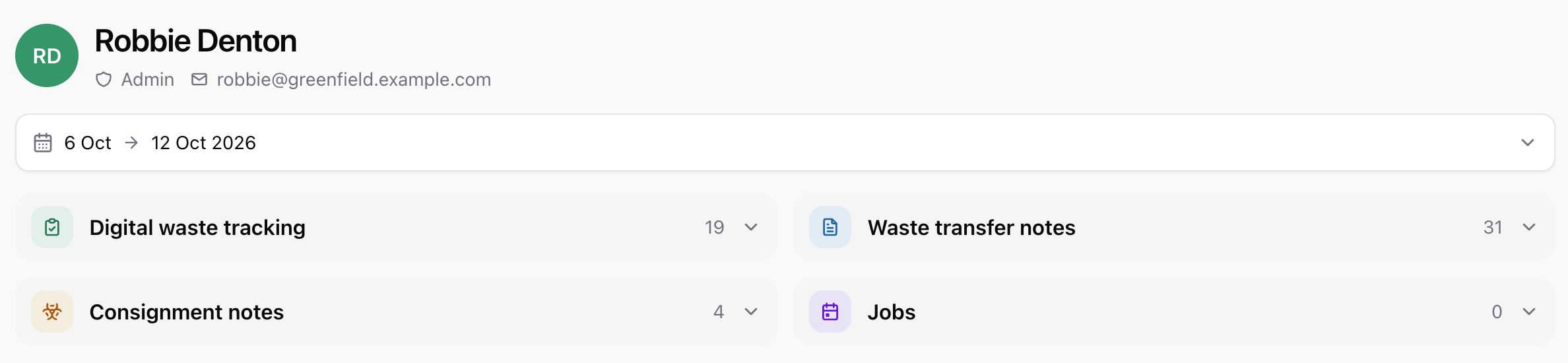
Everyone’s work, at a glance
- One card per person, with counts for each kind of record.
- Pick a date range, then pick a person to see the detail.
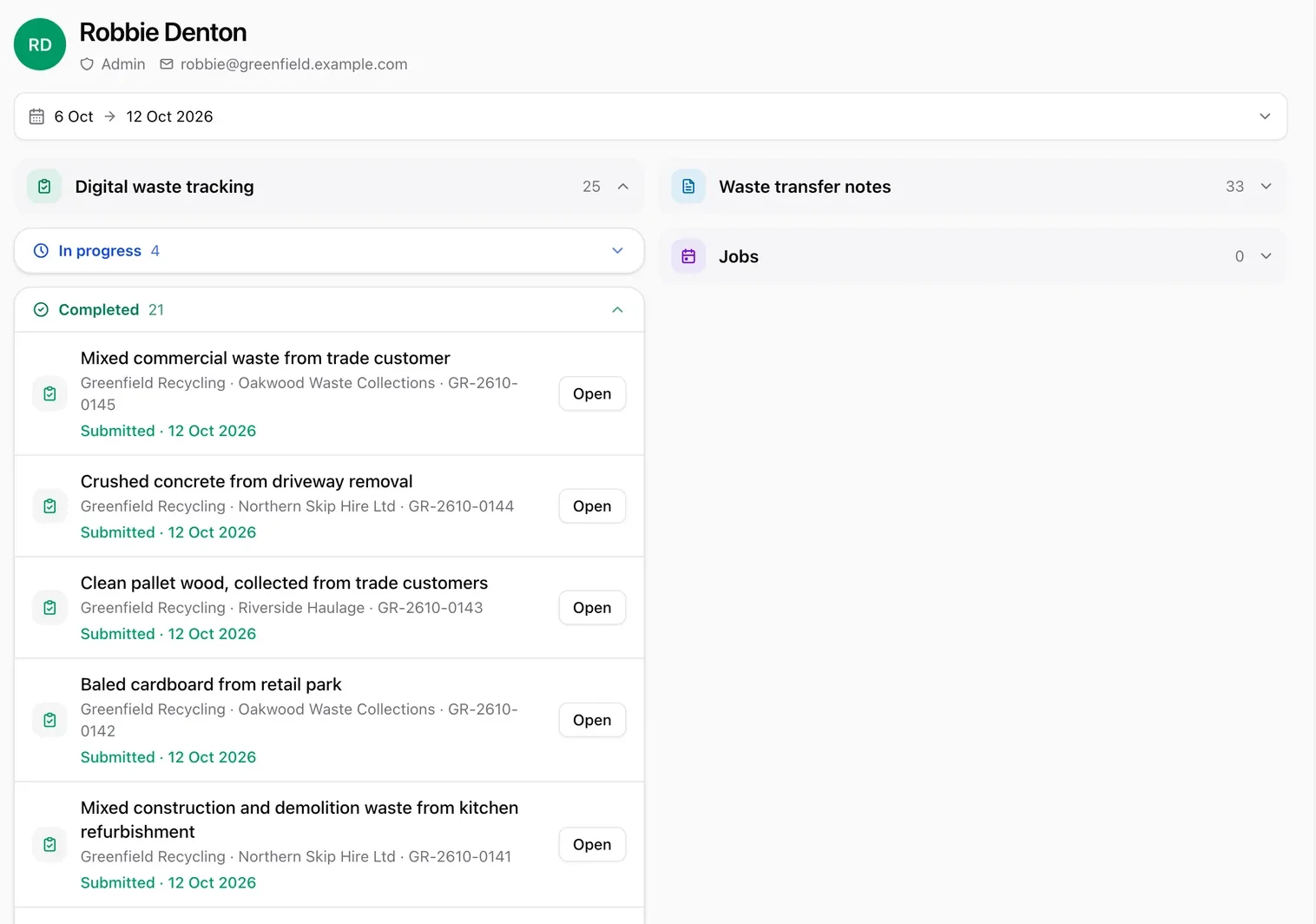
Finished or not, it is easy to see
- In progress and completed work are kept apart.
- Open any item to jump straight to the record.
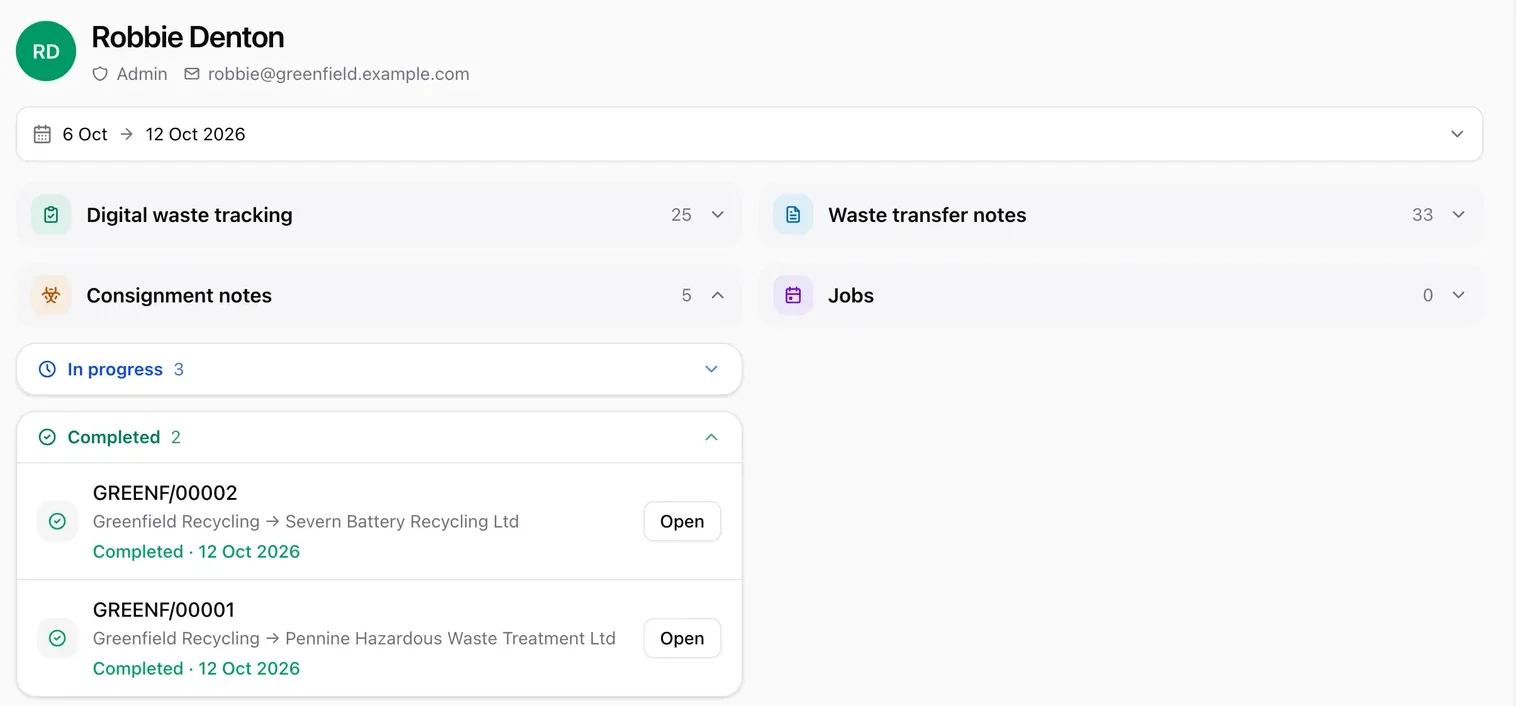
Every kind of record
- Waste tracking, transfer notes and consignment notes in one place.
- Jobs appear too, with the optional Essentials plan.
Your questions, answered.
Who can see Staff activity?
Only admins. It is not shown to other users on your account.
Is Staff activity free?
Yes, with unlimited users.
What can I see for each person?
The records and notes they have worked on, split into in progress and completed, with an Open button to jump to each one.
Does it include jobs?
Yes, if you use jobs. Jobs are part of the optional Essentials plan.
More from IntelliWaste
Keep your whole team in view
Create your free account, add your team and see what everyone has recorded.